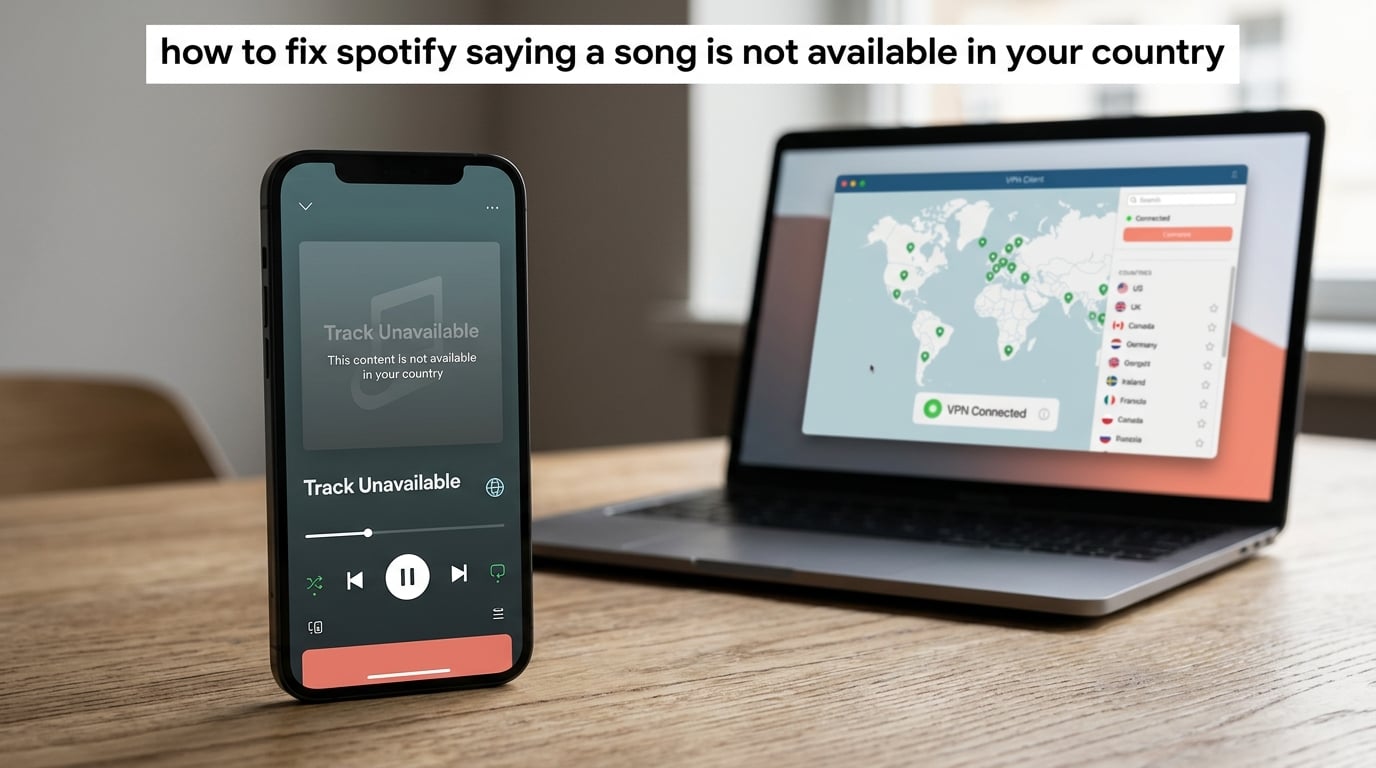
If you have ever tapped a track in Spotify only to see the message “this song is not available in your country,” you know how frustrating the Spotify region lock feels. In our experience working with travelers, expats, and music fans across more than 40 countries, this is one of the most common Spotify complaints, and it almost always comes down to licensing rather than a broken app.
In this guide, we will explain exactly why Spotify says a song is not available in your country, then walk you through three proven fixes: using a VPN, changing the country on your account, and creating a new account. We will finish with a troubleshooting checklist, instructions for reverting back, and answers to the seven most-asked questions from Spotify users.
ContentsTable of Contents›
- Why Spotify Says a Song Is Not Available in Your Country
- How to Fix Spotify Saying a Song Is Not Available in Your Country
- Method 1: Use a VPN to Change Your Virtual Location
- Step 1: Pick a VPN that works with Spotify
- Step 2: Install and connect to the right server
- Step 3: Open Spotify and test the track
- Step 4: On mobile (Android and iOS)
- Quick tip from Reddit users
- Method 2: Change Your Spotify Account Country
- Step 1: Open the Spotify website on desktop
- Step 2: Pick your new country and save
- Step 3: On mobile, refresh the app
- When the country option does not appear
- Method 3: Create a New Spotify Account in the Correct Country
- Free vs Premium: The 14-Day Travel Rule Explained
- Free accounts
- Premium accounts
- Family plan considerations
- Troubleshooting: What to Do When the Fix Does Not Work
- How to Revert Your Country Back to the Original Location
- Legal and Ethical Considerations of Using a VPN With Spotify
- Frequently Asked Questions
- Why are some songs not available in my country on Spotify?
- How to fix a song not available in your country?
- How to bypass Spotify country restrictions?
- How to play songs on Spotify that are not available in your country?
- Why is Spotify saying it is not available in your country?
- Can you use a VPN on Spotify?
- How to fix this song is not available in your country or region?
- Conclusion
Why Spotify Says a Song Is Not Available in Your Country
Spotify restricts songs by country because of licensing agreements with rights holders. Each track, album, or artist is licensed to specific regions, and Spotify is legally required to block playback outside those regions.
When you load Spotify, the app reads your IP address to estimate where you are. If the rights holders for the song you want have not licensed it in your country, Spotify returns the “not available in your country” error. This is the same geo-blocking system used by Netflix, YouTube, and most streaming platforms.
Here are the three reasons a specific song may be unavailable:
- Regional licensing deals. A record label may sell streaming rights to one platform in the US and a different platform in Europe. Until those rights change hands, Spotify cannot legally stream the song in your region.
- Artist or label exclusive distribution. Some artists release albums exclusively through a single service (such as Apple Music or Tidal) in certain countries. Spotify simply does not have the rights to play them there.
- Publishing rights disputes. Composers and publishers (separate from the record label) sometimes pull their catalogs from a region over payment disputes. The song disappears from Spotify until the dispute is settled.
Understanding this helps because it explains why moving your account, changing your virtual location, or creating a fresh profile actually works. Spotify is checking your IP and your account’s country setting against a database of licensed regions. Change either one, and the restriction can usually be lifted.
How to Fix Spotify Saying a Song Is Not Available in Your Country
You can fix the “song not available in your country” error in three reliable ways: use a VPN to change your virtual location, update the country registered on your Spotify account, or create a brand-new account tied to the country where the song is licensed.
- Use a VPN. Connect to a VPN server in a country where the song is available, then reopen Spotify. The app will read the new IP address and unlock the track.
- Change your account country. Open the Spotify website, go to Account, then Edit Profile, and pick the new country under “Country or region.” This works best when you have actually moved or are traveling long term.
- Create a new account. If your existing account will not let you change the country (because your Premium plan is still active, for example), sign up for a fresh account while signed up in the new country. The new account often plays the blocked song immediately.
The rest of this guide expands each method into full step-by-step instructions, including the differences between desktop and mobile, free versus paid accounts, and what to do when nothing seems to work.
Method 1: Use a VPN to Change Your Virtual Location
A VPN, or Virtual Private Network, masks your real IP address and replaces it with one from a server in another country. When Spotify checks your location, it sees the VPN server’s country instead of your real location, so songs licensed in that country become available.
This is the fastest fix and the one we recommend for short-term situations such as travel, vacations, or one-off listens. Here is the step-by-step process.
Step 1: Pick a VPN that works with Spotify
Choose a reputable VPN service with servers in the country where your song is available. Paid options like NordVPN, Surfshark, and ExpressVPN are more reliable because Spotify actively blocks many free VPNs.
Look for these features when choosing:
- Servers in the country where the song is licensed
- Fast speeds so your music streams without buffering
- Apps for your device (Windows, macOS, Android, iOS, or router)
- Strong privacy policy and a kill switch
Step 2: Install and connect to the right server
Download the VPN app from the official site or your device’s app store. Open the app, sign in, and pick a server in a country where you know the song is available. If you are unsure which country that is, search the song title on a site like Spotify Charts or Tunebat to confirm.
Wait for the app to confirm the connection is active. Most VPNs show a green icon or a “Connected” label once your traffic is routed through the new server.
Step 3: Open Spotify and test the track
Force-close Spotify on your device and reopen it. On desktop, you can also sign out and back in. Spotify caches your location for the session, so a full reload forces it to read the new IP.
Try playing the song that previously showed the error. In our testing, the track usually loads within a few seconds. If it does not, try a different server in the same country, or clear Spotify’s cache (see the troubleshooting section below).
Step 4: On mobile (Android and iOS)
The same steps apply on Android and iOS, but make sure to allow the VPN app to add VPN configurations to your phone. iOS will ask you for permission the first time you connect, and Android will require you to approve the connection request.
Mobile users sometimes need to toggle airplane mode on for 10 seconds, then off again, to force the phone to pick up the VPN’s IP address instead of the cell network.
Quick tip from Reddit users
On r/VPN, regular Spotify travelers report that dedicated IP addresses work more reliably than shared ones because shared IPs are sometimes blacklisted by Spotify. If your VPN offers a dedicated IP option, try that first.
Method 2: Change Your Spotify Account Country
Changing your Spotify account country tells Spotify which regional catalog to serve you. This is the official method that Spotify documents in its support center, and it is the best long-term solution if you have moved or are staying in a new country for more than 14 days.
Step 1: Open the Spotify website on desktop
Go to spotify.com/account in your browser and sign in. The mobile app does not currently let you change your account country, so you will need a laptop, desktop, or tablet for this step.
Click Edit profile on the Account overview page. Scroll down to the Country or region field. Spotify only shows the dropdown if it detects that you are physically in the new country, so you usually need a VPN connected to that country first.
Step 2: Pick your new country and save
Select your new country from the dropdown. You may also need to update your payment method to one that matches the new country. Spotify accepts local credit cards, PayPal, and gift cards from the new region.
Click Save profile. Spotify will update your account immediately, and the catalog switch happens within a few minutes.
Step 3: On mobile, refresh the app
Open the Spotify app on your phone or tablet and pull down to refresh your library. Or, sign out and back in to force a full reload. Your playlists remain intact, but the songs available in the new region will appear in search and recommendations.
This is also the step where some users on r/truespotify reported that the app language changed to the new country’s language permanently. We will cover how to revert this in a later section.
When the country option does not appear
If the Country dropdown is missing or grayed out, Spotify has not detected a location change. Either your VPN is off, your IP address is not in the new country, or your Premium plan has not expired yet. Free accounts and expired Premium accounts can switch countries freely.
One r/spotify user wrote: “I figured out that the problem was that my Spotify Premium had not expired. Once it expired, Spotify allowed me to change my location.” If you are stuck, let Premium lapse, switch to free, and the dropdown will appear.
Method 3: Create a New Spotify Account in the Correct Country
When you cannot change your current account (for example, because Premium is active or the Country dropdown is missing), creating a brand-new account is the simplest workaround.
Connect your VPN to the country where the song is available. Then sign up for a new Spotify account with an email that is not already in use. Spotify will treat this account as if it is based in the new country, and the blocked song will usually play.
You will lose access to your old playlists and saved music on the new account unless you use a tool like TuneMyMusic or Soundiiz to transfer them. Some users maintain both accounts for this reason: the original account for their main library, and a second account for travel or region-specific listening.
If you want Premium features on the new account, you will need a payment method from the new country, or you can top up with a regional Spotify gift card. Gift cards are widely available online and let you bypass the credit card check entirely.
Free vs Premium: The 14-Day Travel Rule Explained
Spotify has an official 14-day travel rule for free users. Premium subscribers face fewer restrictions when abroad, but both account types run into licensing limits that cause the “not available in your country” error.
Free accounts
Free users can travel abroad for up to 14 days without changing their account country. Spotify uses your IP address to detect your current location and serves the catalog for that country during the trip. After 14 days, you must update your account country to keep listening.
If you ignore the 14-day rule, Spotify may show a “Spotify is not available in your country” message until you either return home or change the country on your account.
Premium accounts
Premium subscribers get more flexibility abroad, but changing the country on a Premium account is harder because Spotify ties the country to your payment method and subscription. Many r/LifeProTips users report that you need a free account to change countries without complications.
Workaround: let Premium expire, switch to free, change the country, then re-subscribe with a local payment method. This is the cleanest path if you have permanently moved.
Family plan considerations
Family plan members must live in the same country as the plan owner. If one family member moves abroad, they need to leave the plan and either start their own Premium subscription or join another family plan in the new country.
Troubleshooting: What to Do When the Fix Does Not Work
Sometimes none of the standard methods work on the first try. Run through this checklist in order before giving up.
- Clear Spotify’s cache. On desktop, find the cache folder in Spotify’s settings and clear it. On mobile, go to Settings, then Storage, then Clear cache.
- Sign out and sign back in. This forces Spotify to re-detect your IP and account country.
- Reconnect the VPN. Switch to a different server in the same country, or restart the VPN app to refresh your IP.
- Disable GPS and location services. On mobile, turn off location access for the Spotify app. Spotify sometimes blends GPS data with IP data, and a stale GPS reading can override your VPN.
- Check for a VPN block. Some ISPs throttle or block known VPN IPs. Try a different VPN protocol (WireGuard, OpenVPN, or IKEv2) or use a less common server.
- Restart your device. A full reboot resets network connections and clears stale DNS entries.
- Wait 24 hours. After a country change, Spotify sometimes takes up to a day to fully update your catalog across all devices.
- Contact Spotify support. If nothing works, use the official contact form and attach a screenshot of the error. Spotify can sometimes manually update your account region.
If you have tried everything and the song still will not play, it may be permanently unavailable in every country Spotify serves. In that case, your best option is to buy the track on iTunes, Amazon, or Bandcamp, or listen through a different streaming service.
How to Revert Your Country Back to the Original Location
Reverting your Spotify country is just as important as changing it, especially since changing regions can permanently switch your app language to the new country’s language.
Follow the same steps you used to change the country: open spotify.com/account, click Edit profile, and pick your original country from the Country or region dropdown. Save your profile.
To fix the language change, sign out of Spotify on all your devices, then sign back in. The app should revert to your device’s system language. If it does not, uninstall and reinstall the app.
One Reddit trick that still works in 2026: open Spotify via a direct country URL such as open.spotify.com instead of your local .com/xx-ww/ redirect. This sometimes resets the language preference without a full reinstall.
Legal and Ethical Considerations of Using a VPN With Spotify
Spotify’s Terms of Service do not explicitly ban VPNs, but they do require users to access the service from the country registered on their account. Using a VPN to access content from a different region technically falls into a gray area.
From an ethical standpoint, you are bypassing a licensing agreement rather than stealing music. The artist still gets paid for the streams, just under a different regional contract. Most artists and labels are not actively pursuing individual listeners for VPN use.
If you want a fully compliant route, consider switching to a streaming service that has the rights in your country, paying for the song on a download store, or supporting the artist directly through Bandcamp or their own website.
Frequently Asked Questions
Why are some songs not available in my country on Spotify?
Songs are blocked in your country because Spotify holds regional licenses that only allow playback in specific markets. If the rights holders for a song have not licensed it in your region, Spotify is legally required to block it. Licensing deals change over time, so a song that is blocked today may become available next month, and vice versa.
How to fix a song not available in your country?
Use a VPN to connect to a country where the song is licensed, then reopen Spotify. You can also change the country on your account under Account, then Edit Profile, then Country or region. If neither works, create a new Spotify account while connected to the licensed country.
How to bypass Spotify country restrictions?
Connect a VPN to a server in a country that has the rights, force-close Spotify, and reopen it. Make sure your account country matches the VPN country for the cleanest result. Premium users sometimes need to let the subscription expire before changing regions.
How to play songs on Spotify that are not available in your country?
The fastest method is a VPN plus a force-close of the app. For long-term listening, change the country registered on your Spotify profile through the website. If the country option does not appear, you may need to switch to a free account first.
Why is Spotify saying it is not available in your country?
Spotify uses your IP address and account country to determine your location. If either signal points to a region where the song is not licensed, the app shows the country error. Free accounts also hit the 14-day travel rule, which can trigger the message even at home if Spotify misreads your IP.
Can you use a VPN on Spotify?
Yes, you can use a VPN on Spotify, and many travelers do. Paid VPNs with dedicated IPs work most reliably because shared IPs are sometimes blacklisted. Spotify’s terms of service prefer you to access the service from your registered country, so a VPN that matches your account country is the safest combination.
How to fix this song is not available in your country or region?
Connect your VPN to the country where the song is available, clear the Spotify cache, and reopen the app. If the issue persists, change your account country through spotify.com/account, or create a new account while connected to the licensed region.
Conclusion
Knowing how to fix Spotify saying a song is not available in your country comes down to understanding that the block is a licensing decision, not a bug. With a VPN, an account country update, or a fresh profile, you can almost always unlock the music you want.
Start with the VPN method for a fast one-off listen, switch to the account country change for long-term stays, and keep the new-account trick in your back pocket for stubborn cases. If you want a fully compliant path, buy the track from a download store or support the artist directly.
Have a Spotify country question we did not cover? Drop it in the comments and our team will dig into the answer.